The post Cheap 3D Printers under $1000 in 2018 appeared first on Best Cheap 3D Printers.
]]>Looking For A Good And Cheap 3D Printer?
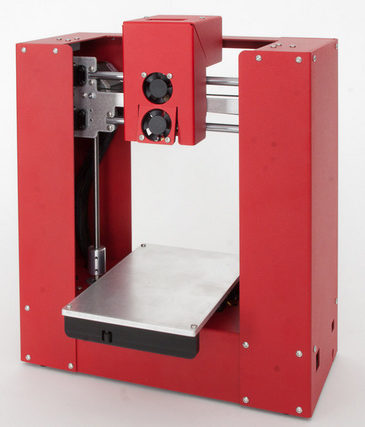
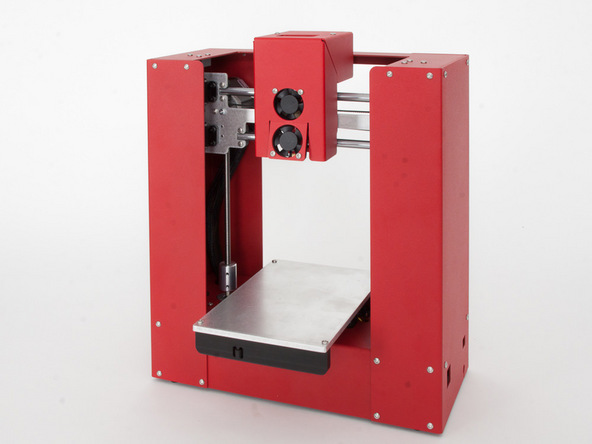
Printrbot Play
Here is the ultimate place to find reliable, high quality and advanced 3D printers with really affordable prices. In this guide, best 3D printers for sale have been categorized based on their prices, and a useful review page has accompanied each item. It will help you find your best choice of a high quality and cheap 3D printer that matches your requirements.
CLOSE
Selection of 3D printers on this page has been based on the main factors that affect customer satisfaction. These factors are extracted from a great number of customer reviews in different websites and related communities. They include:
Printing Quality
Machine Construction Rigidity
Consistent Printing Results
Ease of Use
Ease of initial set up
Print Volume
Upgradability
Price
Connectivity
Table Of Contents
Best 3D Printers Under $500
Imagine the excitement of having a cheap 3D printer with advanced features.You may ask yourself,” Can I find a reliable and high quality 3D printer under $500?”
Below you can find a list of the printers with high level of customer satisfaction that fit into this price range. We have ignored the machines with high percentage of customer claims. That’s why our list is not very large for these cheap 3D printers!

HICTOP Desktop 3D Printer
These 3D printers are presented in 2 different configurations: “Kits” and “Fully Assembled”
Fully assembled models print right out of the box with some minor and easy initial set-up steps. If you prefer to start 3D printing without being engaged with technical tasks, then just choose a fully assembled model.
They are ideal for the new starters in 3D printing. If you want to increase the capacity of your 3D printing workshops without the need to a large budget then a fully assembled cheap 3D printer will be an appropriate choice.
A Valuable Investment
Assembling a kit is a highly rewarding experience. It normally takes 2 to 12 hours and needs some patience. You will follow an assembly instruction and need to think how to do it the best way. Sometimes you may need to watch you-tube videos or search the relevant forums to better understand the assembly and set-up steps. You may need to do reworks and perform some problem solving tasks. The people who embrace these challenges will benefit the most and the best out of these kits. They pass a valuable and rich learning curve in a very short time.
After finishing the assembly, you will feel like an expert in 3D printing. If you want to tweak something for better printing quality, make an upgrade or resolve an issue then it would not be a pain anymore. And eventually you will own a very good and cheap 3D printer that is easily worth more than $1000.
”Why are some products designed as kits?” You know one of the main reasons now!!
Table 1 – 3D printers under $500
|
Main Features
1. Build Dim: 4″x4″x5″
2. Resolution 50-100 Micron
3. Auto Leveling Probe
4. Fully Metal Frame
5. Print Speed: 80mm/sec
6. Metallic Print Bed
7. Untethered Printing
(SD Card Supported)
8. Fully Assembled
9. Material: PLA
10. Connectivity
( SD Card and USB Cable)
11. Highly portable
12. Open Source Software
13. Heated bed Upgrade
(For Printing ABS)
|
Want to know more?
|
3.8 / 5.0 |
|
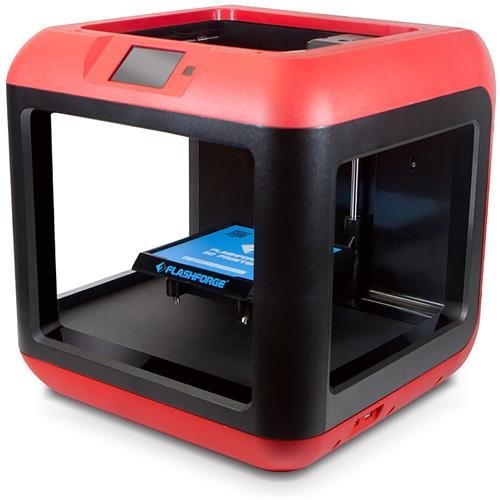 Main Features
1. Build Dim:5.51″x5.51″x5.51″
2. Resolution 100 Micron
3. Print Speed:40-200mm/sec
4. Fully Assembled
5. Material: PLA
6. Auto-Aid for Bed Leveling
7. Connectivity
WIFI
USB Flash Drive
USB Cable
8. Connectivity through Mobile
Innovative IOS App
9. On board 4G Memory
10. Draw out Printing Bed
11. Color LCD Touch Screen
12. Reminder Function
13. Sturdy Construction
14. Very Quiet
15. Very Beautiful
|
Want to know more? |
4.7 / 5.0 |
|
|
Main Features
1. Build Dim:10.6″x7.9″x7.4″
2. Resolution 100 Micron
3. Heated Aluminum Bed
4. Print Speed: 120 mm/sec
5. Untethered Printing
(SD Card Supported)
6. LCD screen
7. Sturdy Aluminum Frame
8. Kit
9. Material: PLA and ABS
10. Connectivity
( SD Card and USB Cable)
11. Open Source Software
12. Auto bed leveling
|
|
3.8 / 5.0 |
|
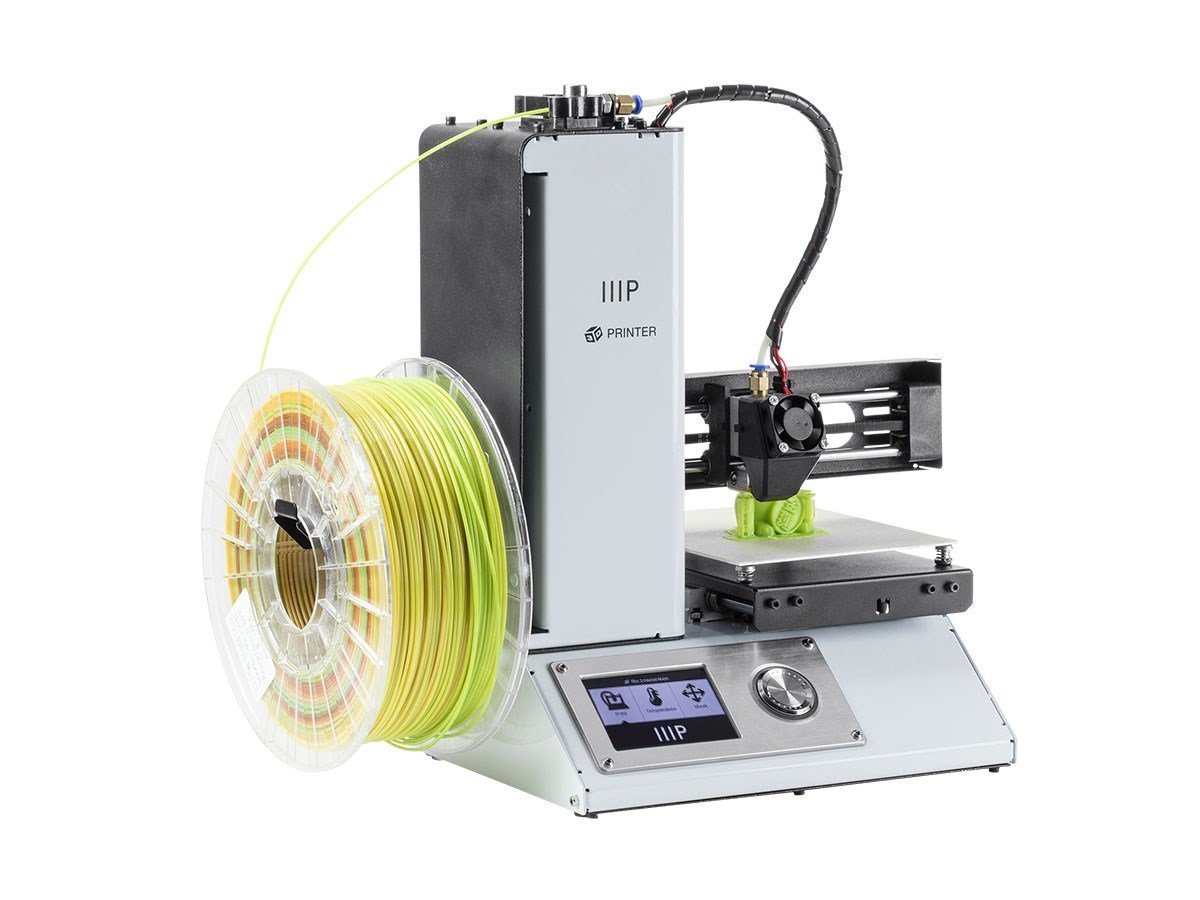 Main Features 1. Build Dim:4.7″x4.7″x4.7″
2. Resolution 100 Micron
3. 1 Year Warranty
4. Fully Assembled
5. Factory Calibrated
6. Material: PLA /ABS
7. Connectivity( USB Cable & SD Card with pre-installed models )
8. Color LCD Display
9.Heated Bed
10. Nozzle Cooling Fan
|
|
|
|
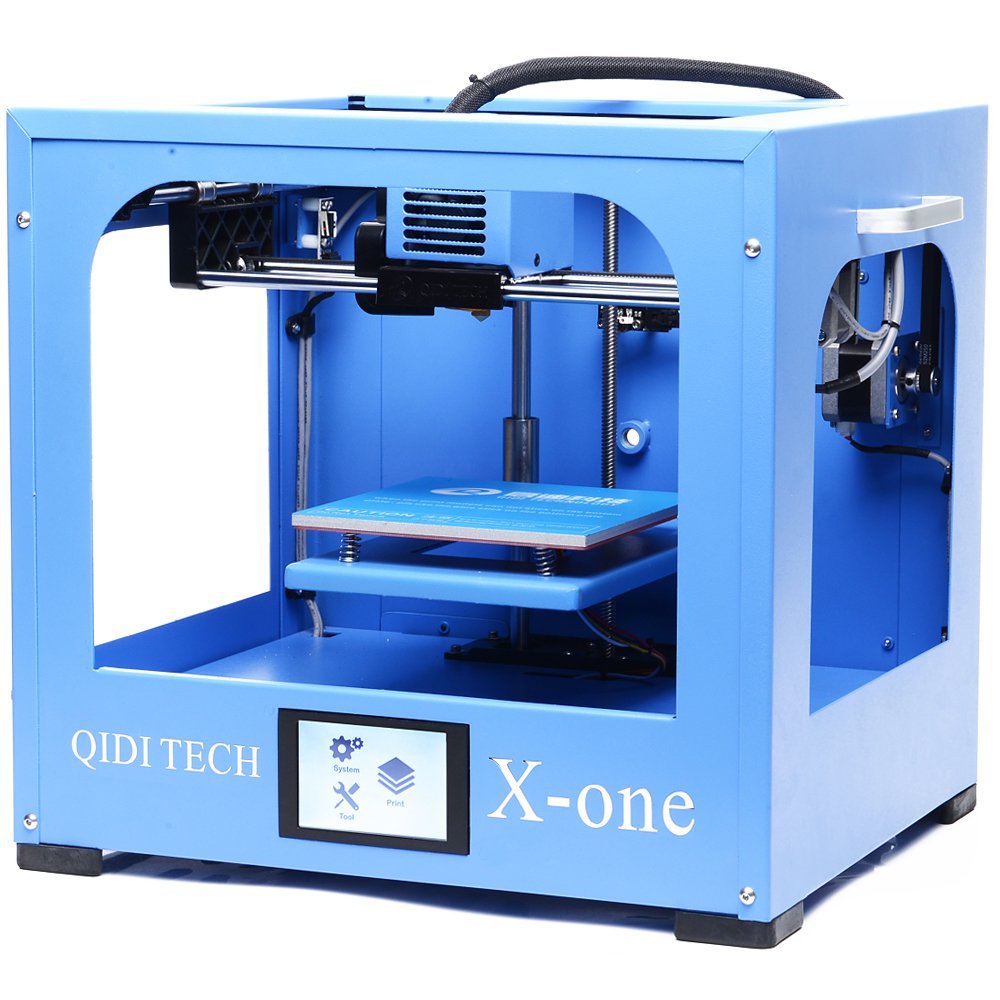 Main Features
1. Build Dim:140x140x140 (mm)
2. Resolution 100 Micron
3. Print Speed:150 mm/sec
4. Connectivity (USB Cable and SD Card)
5. Fully Assembled
6. Sturdy Structure
7. Heated Bed
8. Material: PLA / ABS
9. Colour Touch Screen
10. 6-month warranty
11. Including:
One roll of PLA filament
One spare part box
A sd card with user manual, videos and test files on
|
QIDI TECHNOLOGY X-ONE
|
4.5 / 5.0 |
|
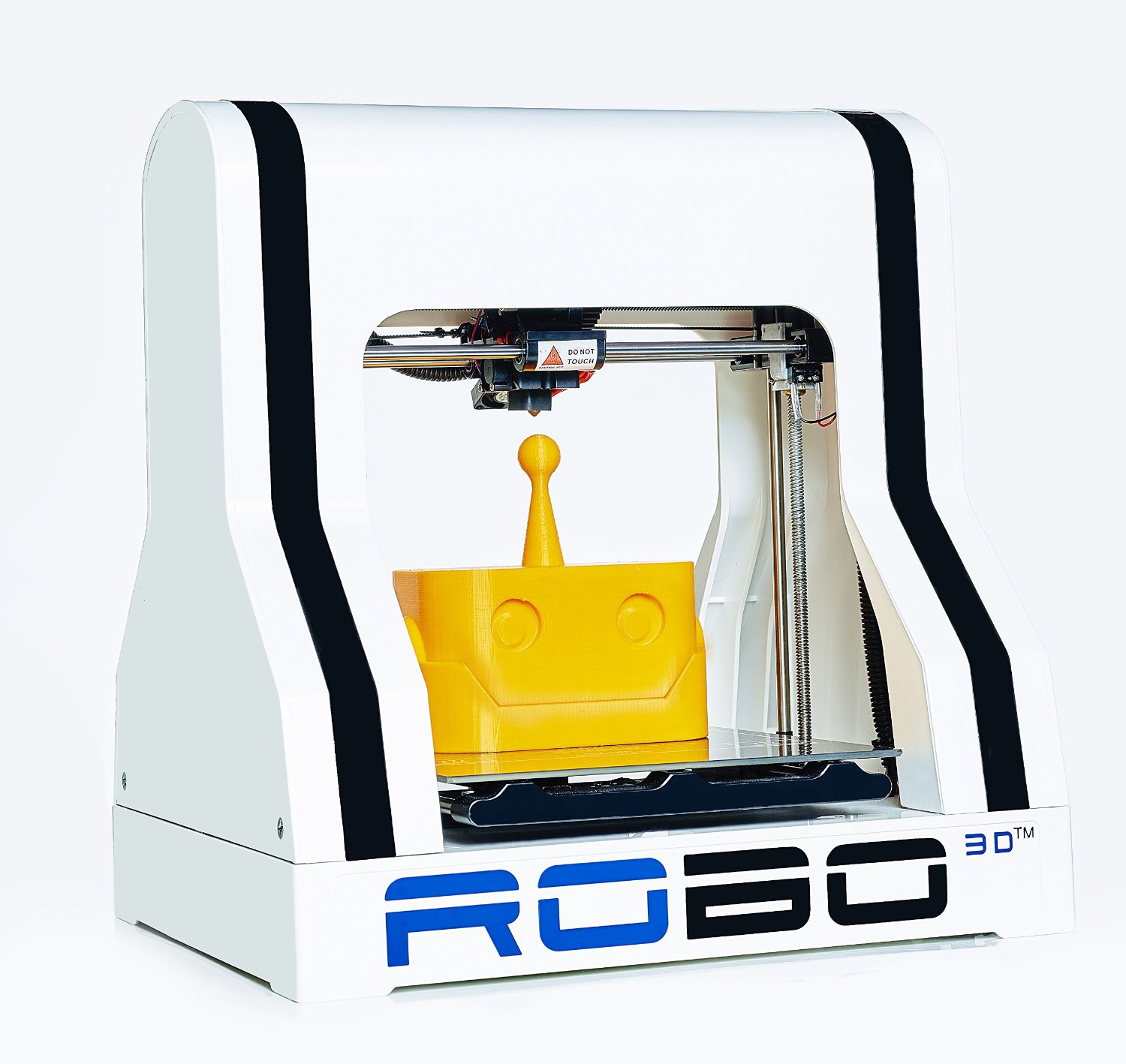
Main Features
1. Build Dim:10″x9″x8″
2. Resolution 100 Micron
3. Heated Aluminum Bed
4. Auto Bed Leveling
5. Untethered Printing
(SD Card Supported)
6. Material: PLA and ABS
7. Software included
8. Open source software
9. Fully assembled
10. Connectivity
(SD Card and USB Cable)
|
Want to know more?
|
|
|


Best 3D Printers between $500 and $1000
The ranking levels and number of purchases in this price range is higher than printers under $500. This is a good sign of the higher customer satisfaction that has mainly come from quality, ease of use and more functional features. More variety and choices of models and brands can be found here. You can easily find fully assembled models with a number of the following features:
- Better customer supports
- Ease of initial set-up (Using Easier Bed-leveling Facilities)
- Working well with ABS, PLA materials(Using Heated Bed)
- Printing multi-color objects (Using Dual Extruders)
- Using On board control panels and screens for controlling the printing parameters without being connected to your laptop
- Home network connectivity to load the 3D models independent of USB cables or SD cards (Using WIFI)
- Lower noise levels because of closed systems
- Safety against hot moving machine parts because of closed systems
They all have solid structures for consistent printing results. They all have a beautiful and smart appearance, and make a sense of beauty and technology on your desktop in your room or workshop.
Table 2 – 3D Printers Between $500 And $1000
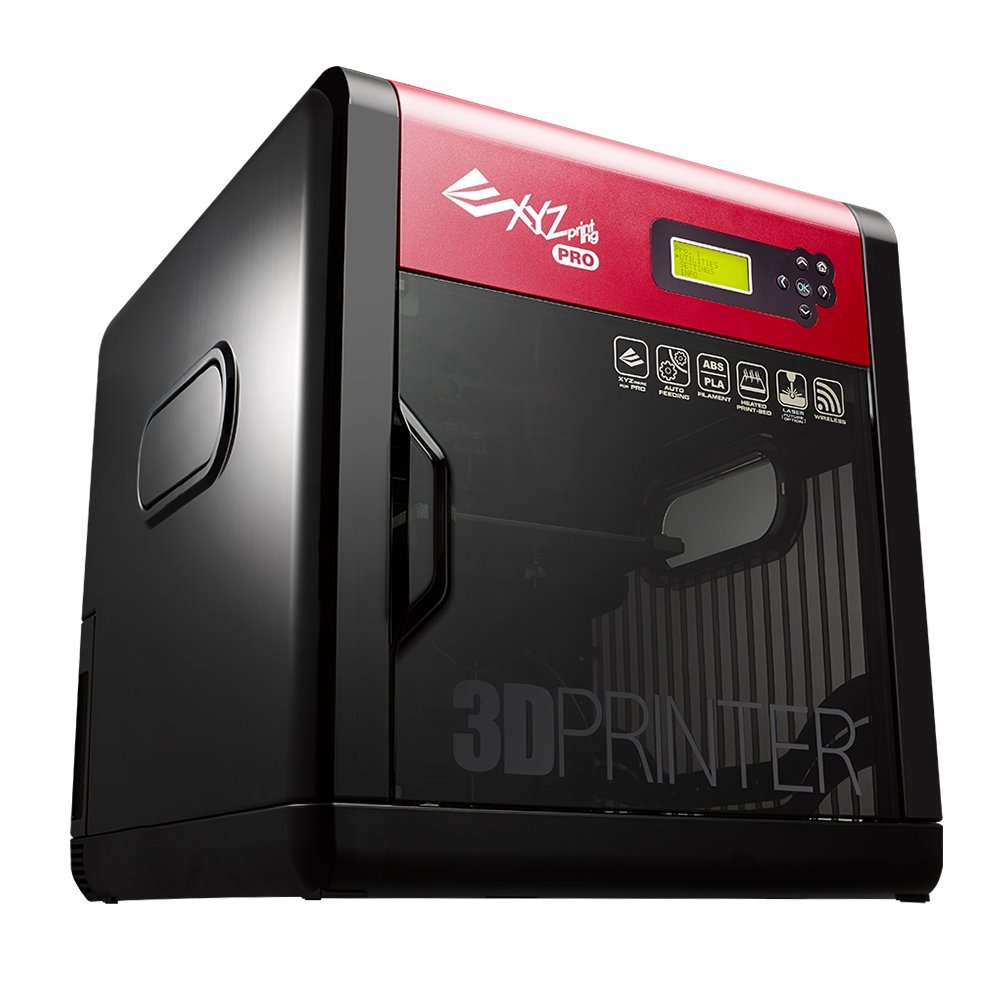
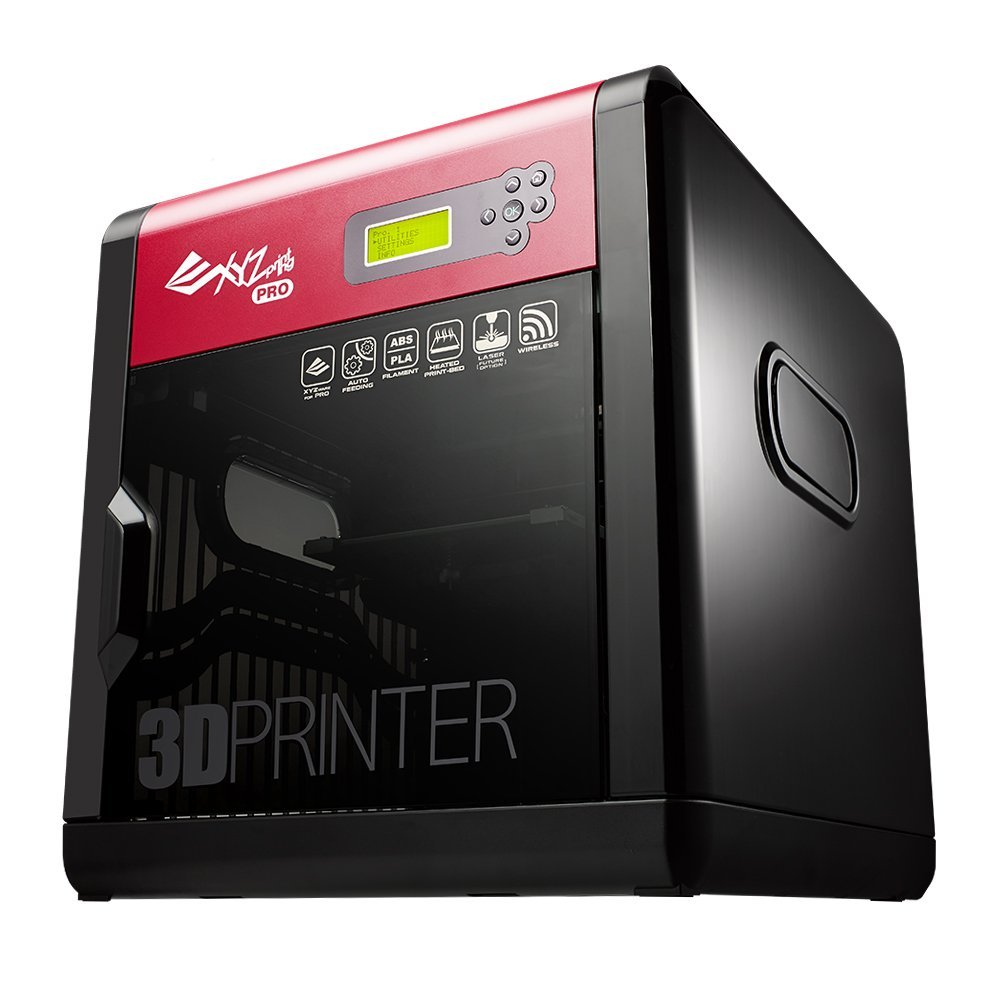
Main Features
1. Build Dim:7.8″x7.8″x7.8
2. Resolution 100 Micron
3. Onboard Screen and
Control Buttons
4. Untethered Printing
(WIFI Supported)
5. Fully Assembled
6. Aluminum Heated Bed
7. Material: PLA and ABS
8. Connectivity
( WIFI and USB Cable)
9. Laser Engraver Upgrade
10. 3D Scanner
|
XYZprinting da Vinci 1.0 Pro. 3 in 1 Want to know more?
|
3.8 / 5.0 |
|
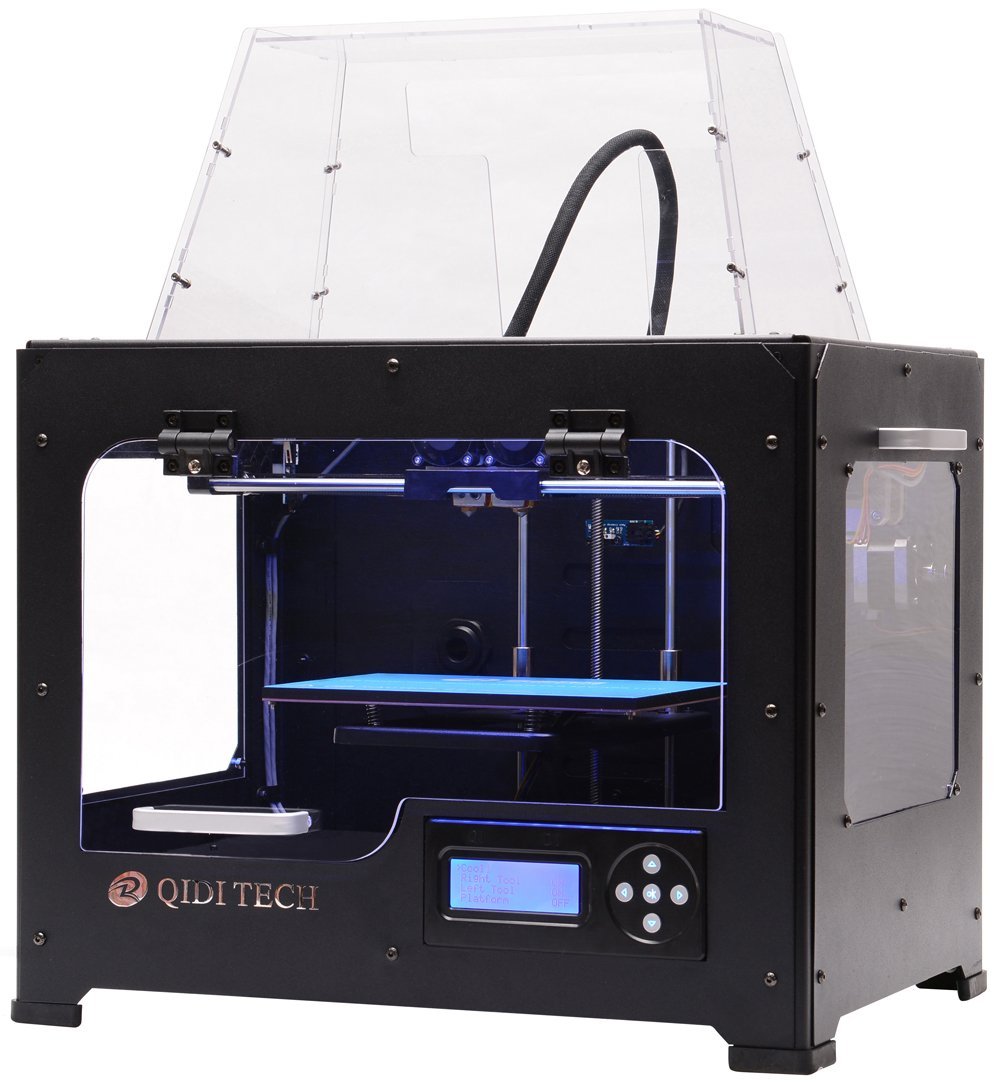
Main Features
1. Build Dim:10″x6.4″x6.6″
2. Resolution 100 Micron
3. Heated Aluminum Bed
(Aviation Anti-Warp Plate)
4. Untethered Printing
(SD Card Supported)
5. LCD Screen and
Control Buttons
6. Fully Metal Structure
7. Material: PLA and ABS
8. Dual Extruder
9. Open Source Software
10. Fully Assembled
11. Connectivity
(SD Card and USB Cable |
Want to know more?
|
4.6 / 5.0 |
|

Main Features
1. Build Dim:9″x5.9″x5.5″
2. Resolution 100 Micron
3. Detachable Print Bed
4. Untethered Printing
(SD Card Supported)
5. Full color Screen
6. Sturdy Structure
7. Material: PLA
8. Connectivity
(SD Card and USB Cable)
|
Want To Know More?
|
4.1 / 5.0 |
|
FlashForge Creator Pro – The Best Selling 3D Printer In Amazon
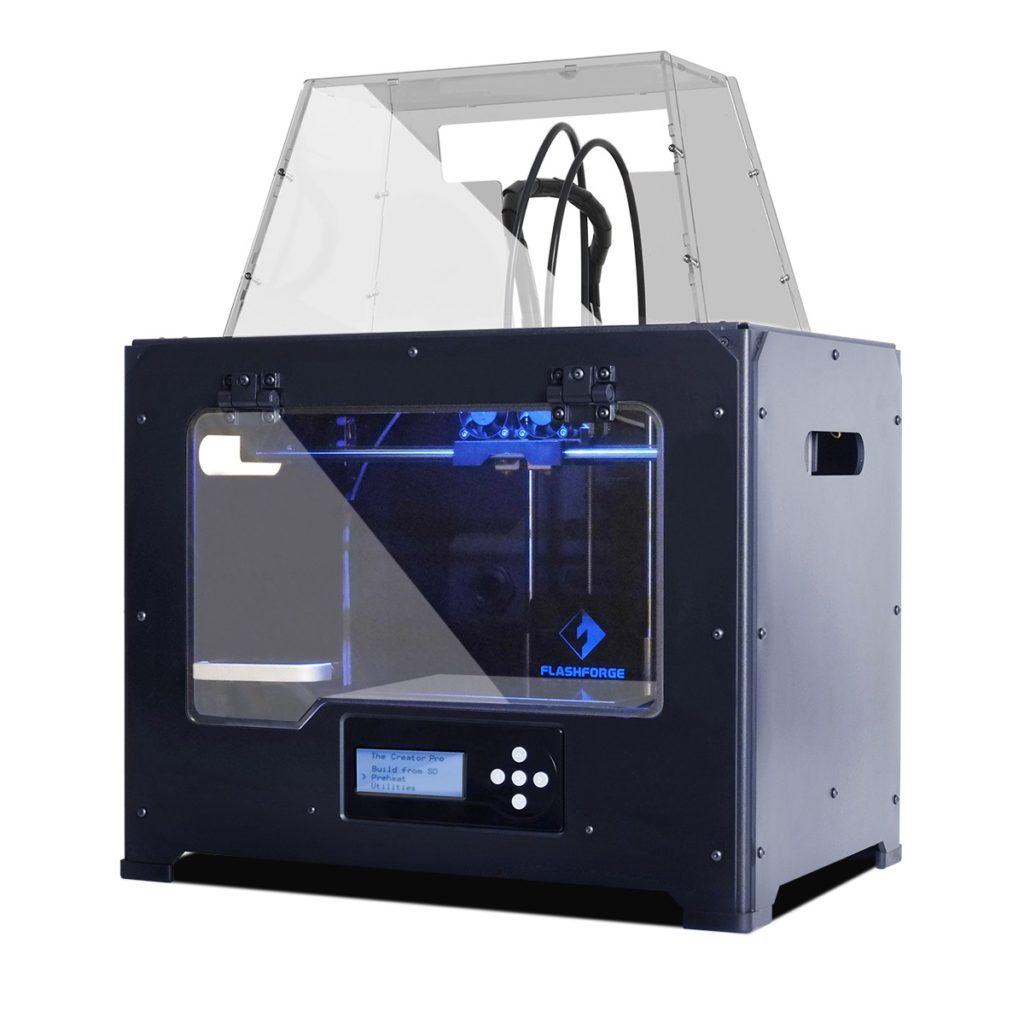
It isn’t a very cheap 3D printer but provides you with most of the benefits and features of advanced high price machines. You can can print multi color ABS parts using its Heated Bed and Dual Extruder.
Isn’t it exciting?!
Good Resolution, Strong Metallic Frame and Enclosed Body are 3 important factors of high quality 3D printing and this machine has all of them.
%92 customer satisfaction is a very good sign of the high quality of the machine and excellent customer support from this company.
With more than 500 reviews this printer is the best-selling 3D printer in Amazon.
Want to know more?
Largest Printing Volumes
Do you need to print large volumes and have a limited budget? We have very good pieces of news for you. Just pick a cheap 3D printer from the list below. Their prices are between $350 to $800. Despite their affordable prices they print with good qualities. More exciting news is that you can have more than one of these cheap 3D printers with less than $1000.
The following machines will produce the print volumes between 470 to 720 cubic inches. These are the highest volumes amongst the machines introduced in this site and Amazon.
Remember!! that large volume 3D printing is a time consuming process. In this case, it’s better and most of the times necessary to choose a machine that can continue working without being connected to your computer. Connectivity through SD cards or WIFI bring this capability for you. You can then work with your laptop on other important tasks while your 3D printer is busy with large printing jobs.
Table 3 – Largest Print Volumes
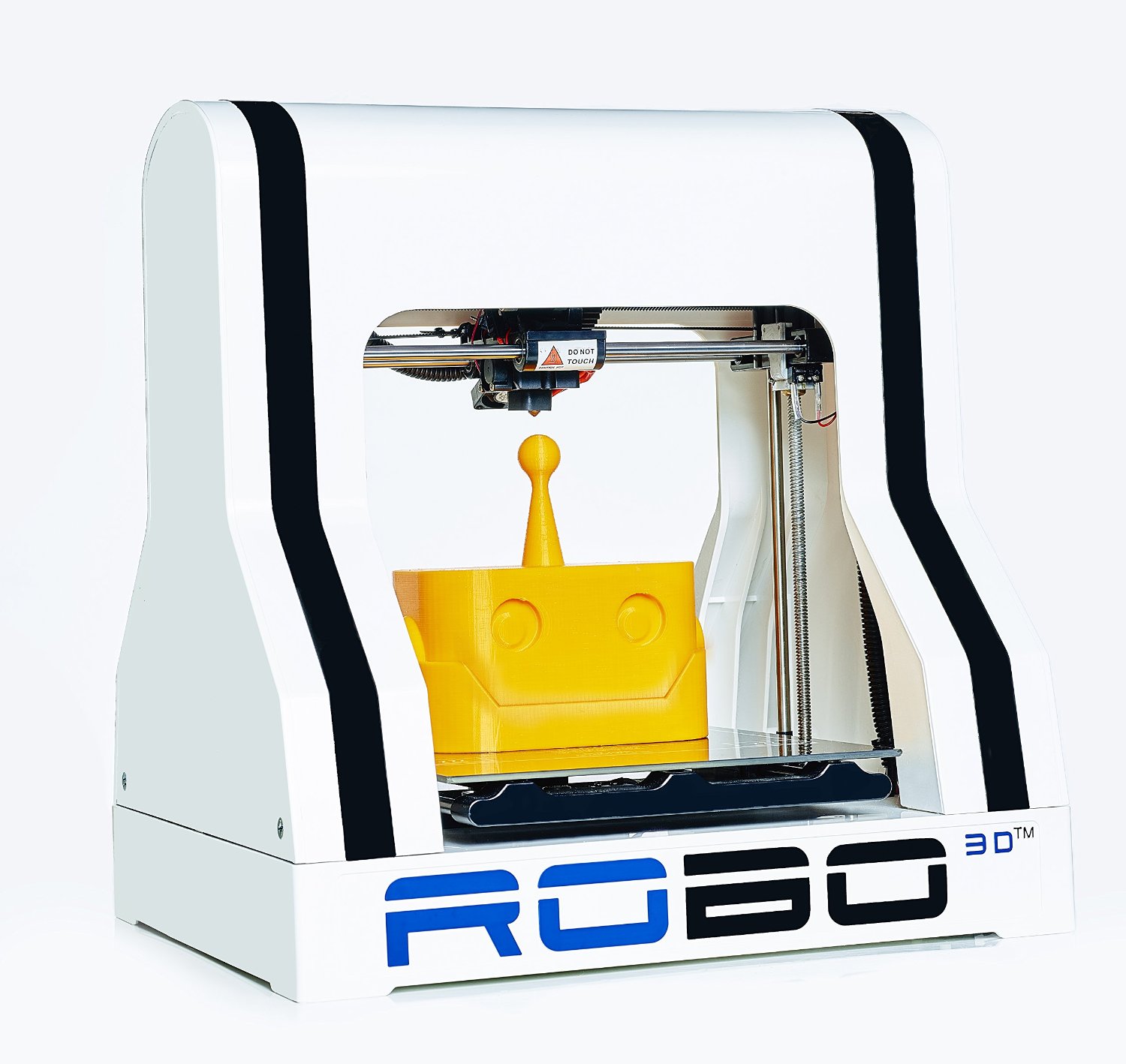 |
Dimensions : 10″ x 9″ x 8″ Volume: 720 Cubic Inches Connectivity: SD Card and USB Cable Want to know more?
|
|
|
|
( KIT ) |
Dimensions: 10.6″ x 8.3″ x 7.7 Volume: 677 Cubic Inches Connectivity: SD Card and USB Cable Want to know more?
|
|
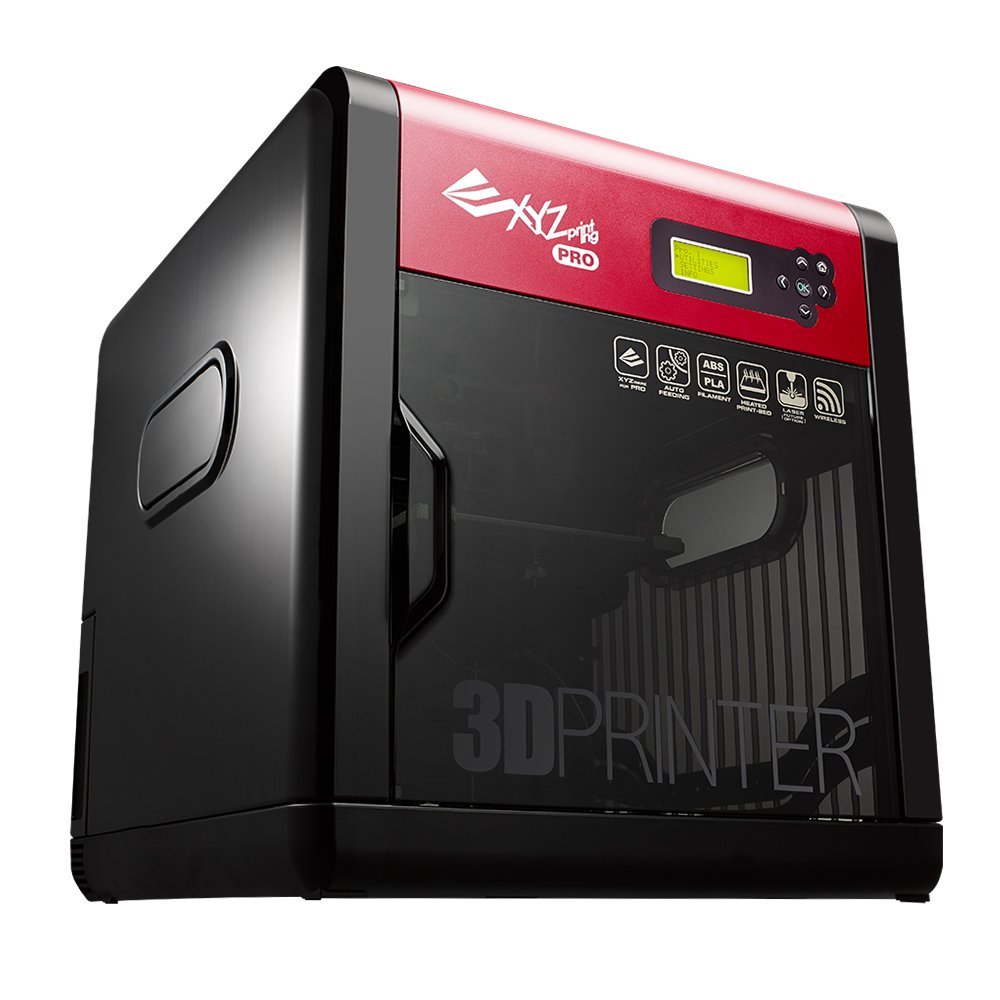 |
Dimensions: 7.8″ x 7.8″ x 7.8″ Volume: 474.6 Cubic Inches Connectivity: WIFI Want to know more?
|
|
3D Printers Capable Of Printing ABS
Have you printed with PLA and need more beautiful and more precise parts? ABS is a material with very good printing characteristics. Parts created with ABS are more accurate and have more consistent dimensions in comparison to PLA parts. The only drawback for ABS is its smell and working with it needs a room with good ventilation. PLA is more nature friendly and smells like corn.
The most important feature in a machine that enables it of printing ABS is the Heated Bed. This feature makes the printed part to stick well to the bed and prevents it from warping.
The machines listed below are capable of printing ABS besides PLA:
ROBO R1 Plus ( Fully Assembled ) Read more?
Hic Top Desktop 3D Printer (DIY KIT) Read more?
XYZprinting da Vinci 1.0 Pro. ( Fully Assembled ) Read more?
QIDI TECHNOLOGY Dual Extruder ( Fully Assembled )
FlashForge Creator Pro Dual Extruder ( Fully Assembled ) Read more?
Printers with Dual Extruders
Dual extruder 3D printers have been designed to facilitate multicolor 3D printing . Doing it with single extruder is not impossible but takes more time and needs more attention. QIDI Tech and Flashforge have introduced the following dual extruder machines to cover this need.
QIDI TECHNOLOGY Dual Extruder ( Fully Assembled )
FlashForge Creator Pro Dual Extruder ( Fully Assembled ) Read more?
Cheap 3D Printers With Auto Bed Leveling

It’s really exciting to find advanced features in a cheap 3D printer and auto bed leveling is one of them. It’s actually a probe that measures the distance between the extruder head and the printing bed and part of the software that controls this distance. With this feature you can get rid of manual bed leveling that is required every 10 – 20 prints. Following printers provide you with this advanced helpful feature:
Printrbot Play (Fully Assembled) Read more?
Printrbot Metal Simple (Fully Assembled) Read more?
ROBO R1 Plus ( Fully Assembled ) Read more?
Should I Buy A Kit Or Fully Assembled Model?
Assembling a kit is a highly rewarding task. Many experts in 3D printing recommend starting from a kit. These kits have been designed so that you get involved in some challenges ( Yes Challenges !!! ). The challenges that turn the assembly process to a very quick and rich learning course. The people who embrace these challenges, take the most and the best out of these kits. These challenges may include:
- Study of an assembly instruction and thinking on how to do it the best way
- Watching relevant you-tube videos to complete the assembly process
- Visiting related forums to see what other people have done to best perform the assembly steps
- Doing some reworks or performing problem solving tasks
Assembly of these kits takes 2-12 hours and needs patience. If you don’t have patience and enthusiasm to get involved in the technical aspects then the best advice is to choose a fully assembled model.
After finishing the assembly you will feel like an expert in 3D printing. If you want to tweak something for better printing quality or doing some modifications or improvement in your machines then it will not be a pain.
And finally you will have a cheap 3D printer that is worth much more than what you have paid for it. You can also perform a number of upgrades that turn these machines into a $2000-$3000 machine.
Who Shouldn’t Buy A Kit?
The following groups of people are advised to choose a fully assembled model :
- The ones who don’t want to be involved in the technical side of 3D printing
- Users who don’t have time to spend on assembly
- Buyers who want to print right out of the box
- People who are not patient
Please note that the fully assembled models mostly need an initial set up and calibration as well.
Connectivity Between 3D Printer and Computer
This feature is mostly neglected when buying a 3D printer. 3D printing is a very time consuming task. It’s better and mostly important that your printer can print untethered i.e. without being connected to the computer. This way you can free your laptop for other important favorite tasks while your printer continues printing. This feature is very important specially for large volume prints.
The primary connectivity method for all 3D printers is through USB cable. Most of the 3D printers in the market present the connectivity through SD cards besides the USB cables. Some of them have WIFI connectivity.
A very Useful Upgrade
You can add a Rasberry PI and run OctoPrint on it for the printer’s USB connection. This allows you to keep the printer in your work room and run it remotely from any computer in the house. You can also control your 3D printer through the web. It also gives you the ability to connect a camera and record your prints. This is very helpful if your 3D printer has the connectivity only through USB cable.
A very interesting video about using a Rasberry PI and OctoPrint on a Printrbot play 3D printer. This machine also has a SD card connectivity.
https://www.youtube.com/watch?v=agDiUzSiWcU
Print Quality Versus Time and Economy
Two important things that you need to consider are the printing time and economy of 3D printing. Higher quality is not always appropriate. In most of the occasions you’d better consider a quality level that is required for your part and not more. The higher the quality, the more is the printing time. It will also increase the electricity consumption.
Lower layer thicknesses increase the material consumption and increase the printing time. Both of these are against the economy of 3D printing. In other words they increase the cost of the printed part.
Why AMAZON?
Amazon is not only a huge and reliable market of quality products but also a treasure of invaluable information about them. Customers express their ideas about the quality of the products and freely put their comments about their experiences. So easily you can see what suits you and what doesn’t. Even if you don’t know anything about 3D printers you can use Amazon reviews as a very rich source of knowledge and experience.
Useful Links
Print Quality trouble shooting Guide: Click here
Sample 3D Models : Click Here